
Say it.See it.
Talk to the camera in one take. Saycut cuts your stumbles, never your words, and anything you say can show up in your video. No timeline. No manual work.
“Anything that you say in the script can be created and used as part of the video.”Stan Pavlovsky, creator of Saycut
- 1 take
- recorded on a laptop on a little stand
- 2:38 → 2:20
- raw recording to finished video
- 20 cuts
- ums, restarts and repeats removed
- 0
- words rewritten
All numbers from the video above.
You say it. It shows up.
Bring your content to life by speaking it into being. Every one of these came from a sentence in the video above.
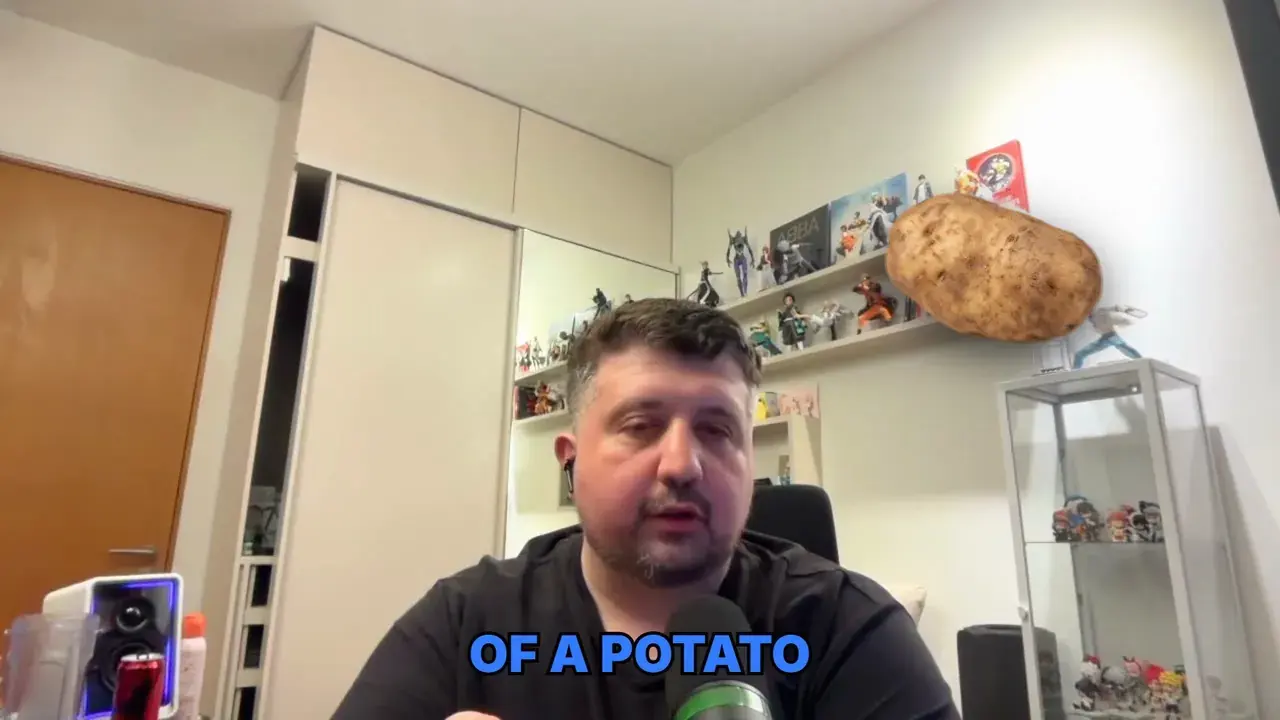
“I dare you not to think of a potato right now.”
→ A potato.
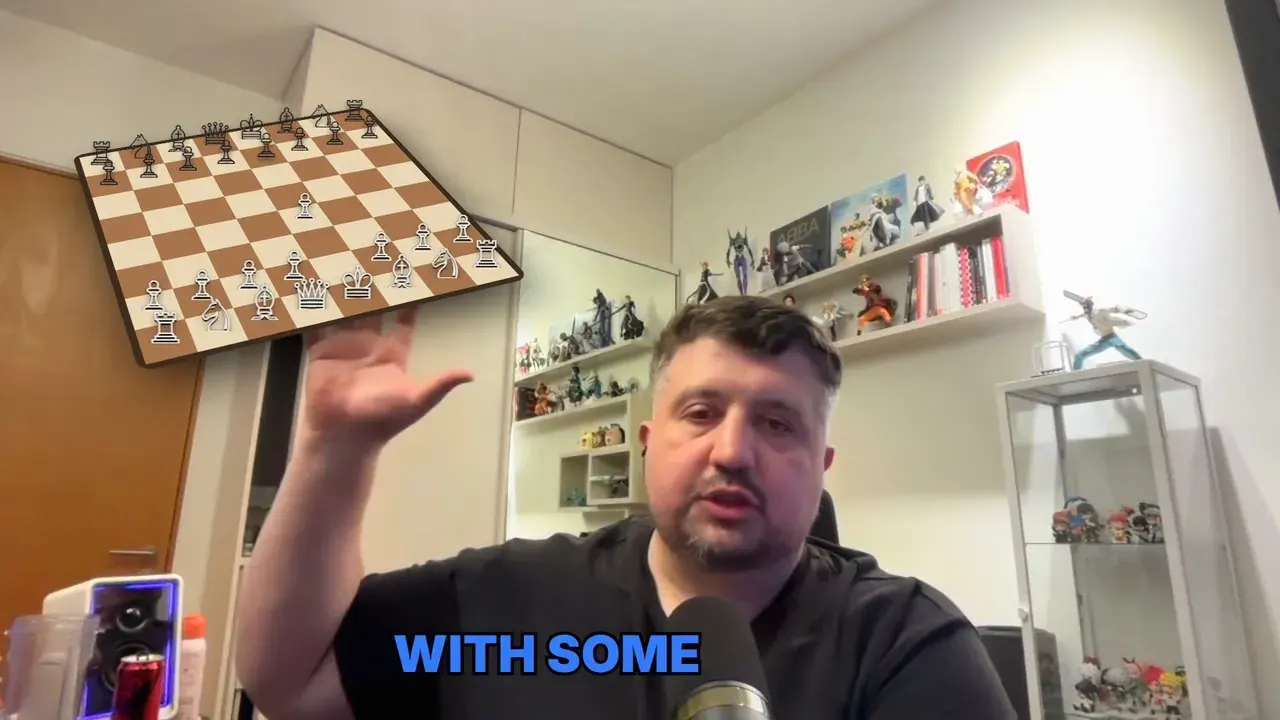
“Maybe somewhere over here, I want to see a, animation of a chessboard with some chess game going on.”
→ A chess game, right where he pointed.
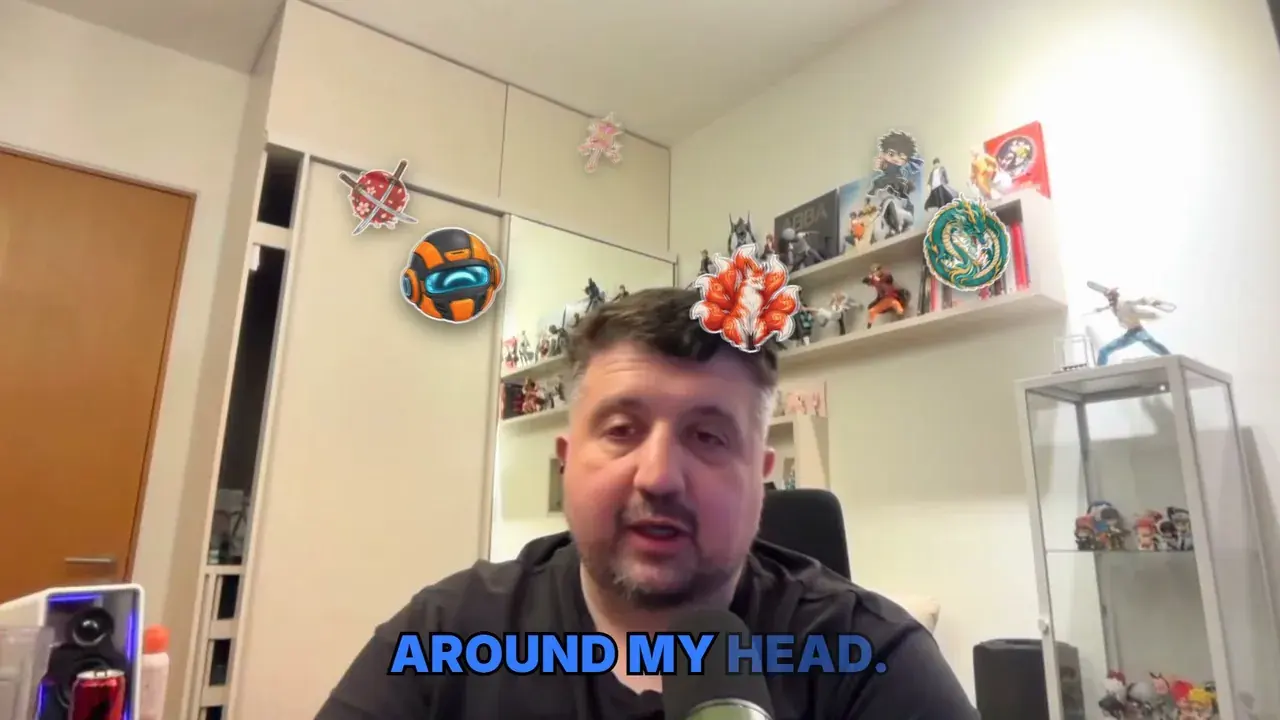
“Maybe some logos of anime all around my head.”
→ Anime emblems orbiting his head.
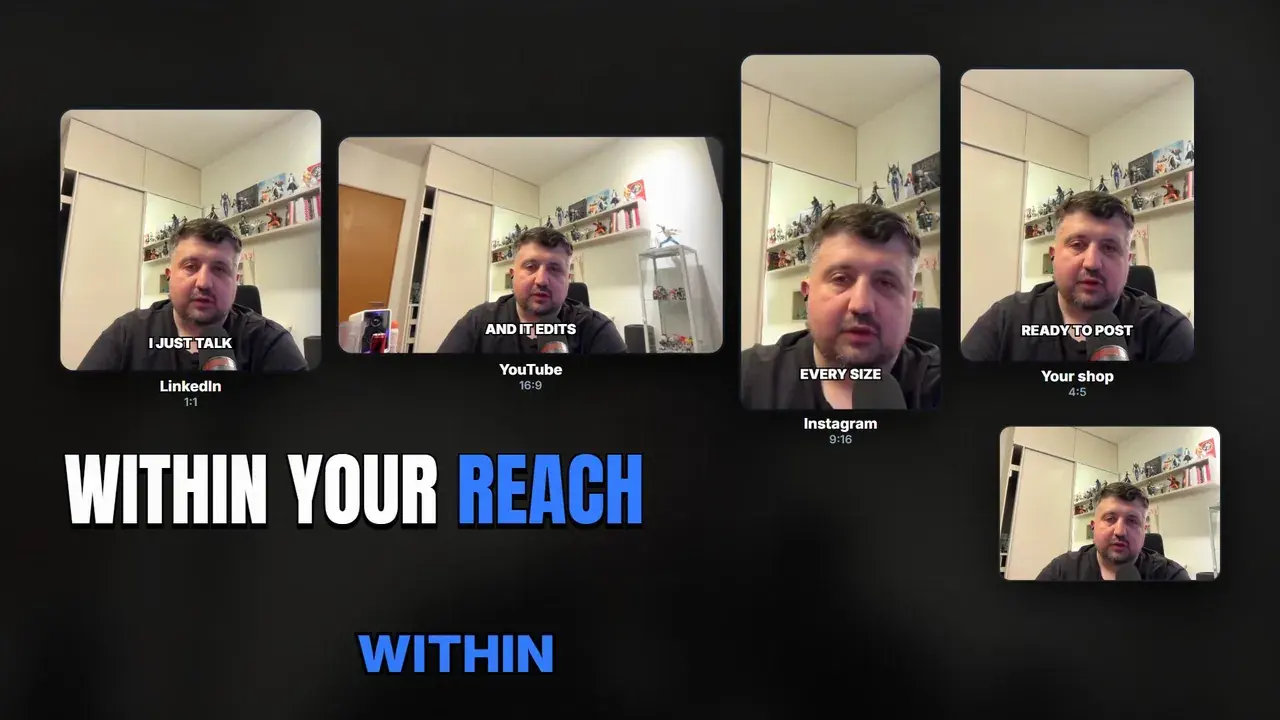
“Maybe you'll get a LinkedIn video, maybe a YouTube video, maybe you wanna post something on Instagram.”
→ Every format, from the same take.
Any content. Anywhere.
A post on LinkedIn, a YouTube channel, something for Instagram, or a shop you're trying to promote. One take, every format.
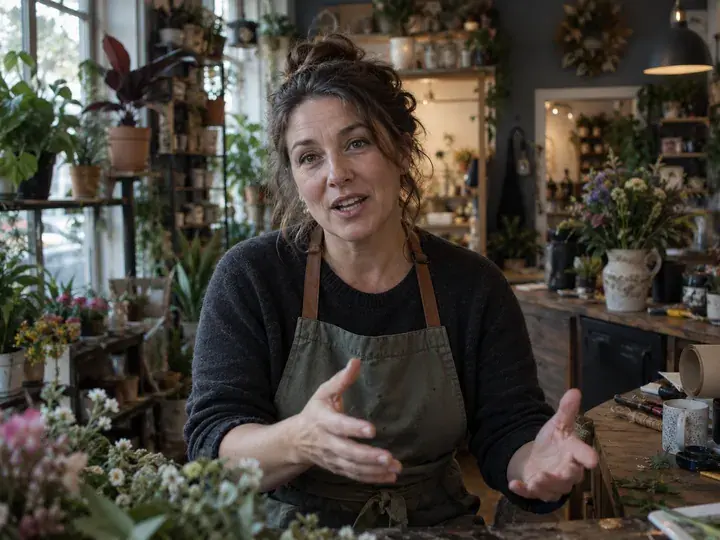 1:1
1:1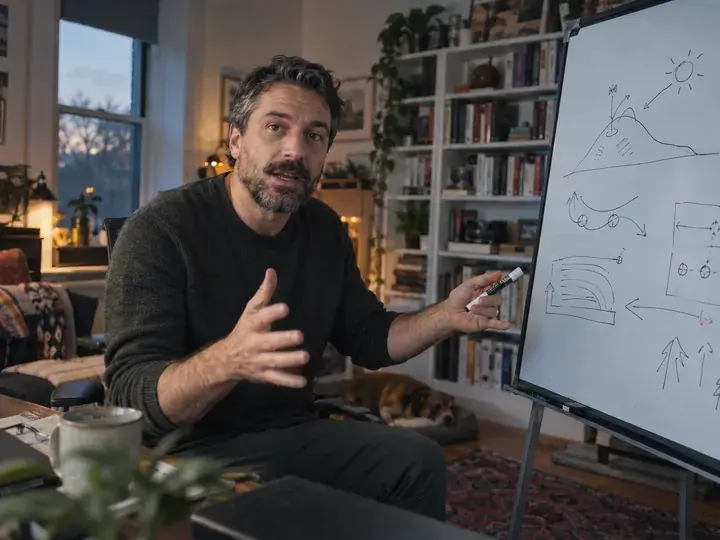 16:9
16:9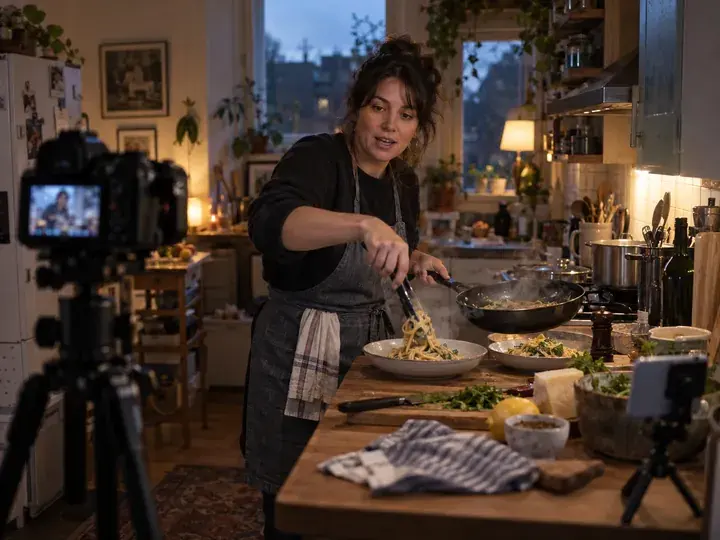 9:16
9:16 4:5
4:5Even with AI, it's a lot of manual work.
Other software has you keep creating, keep editing. With Saycut you just talk, and when something's off, you say so.
The old way
Saycut
Make the intro shorter.

Less of my face in this part.
Nothing's perfect. Adjusting is a sentence.
One take. That's it.
1. Hit record
Your phone, your webcam, a laptop on a little stand. One take, stumbles and all.
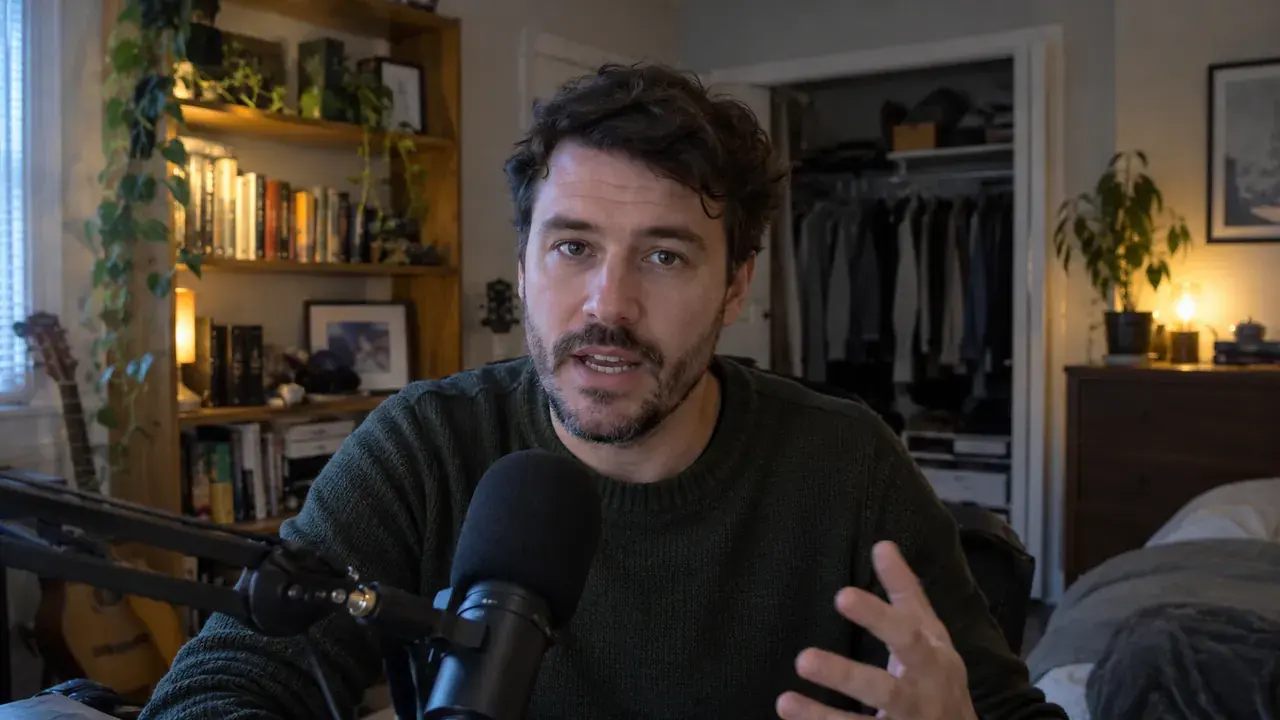 take_01.mov
2:382. Just talk
Say what you want to see while you're saying it.
Maybe somewhere over here, I want to see a chessboard.
3. Saycut builds it
Stumbles cut, what you named on screen, captions and music added.
YouTubeVerticalSubtitles4. Adjust by asking
Make the intro shorter.
Done.Notes, not knobs.
Cuts your mistakes
Ums, restarts and long pauses, gone. Your words stay.
Builds what you say
Name it while you talk, and it shows up on screen.
Captions and music
Added for you, names spelled right.
Every screen
LinkedIn, YouTube, Instagram and your shop from one take.
Pick your plan.
Starter
For example: six 1-minute Shorts a month.
$99/ month
- 6 finished minutes a month
- Mistakes cut, captions and music
- Pictures for your stories
- Vertical version, subtitles and a description
- 2 rounds of changes per video
Creator
For example: two 10-minute videos a month.
$299/ month
- 20 finished minutes a month
- Everything in Starter
- Projects editable for 12 months
- Unused minutes roll over a month
Pro
For example: four 15-minute videos a month.
$799/ month
- 60 finished minutes a month
- Everything in Creator
- Clips from other videos, with the source on screen
- Projects editable while you're subscribed
Need more? Top up anytime: $18 per extra minute. Your first 60 seconds are free.
Early-access pricing. Final prices are confirmed before you pay anything.
Frequently asked questions.
Do I need to know how to edit?
No. You just talk. Saycut does the cutting, the captions, the music and the pictures.
Can I ask for things while I'm talking?
Yes. Say it out loud, like "somewhere over here, I want to see a chessboard", and it shows up in your video. Everything you see in the video at the top of this page was asked for that way.
Will it change what I said?
No. It cuts stumbles, restarts and long pauses. Every sentence you meant to say stays. In the video above: 20 cuts, 0 words rewritten.
What if it's not quite right?
Nothing's perfect. Tell Saycut what to change in the chat, like "make the intro shorter". Two rounds of changes are included with every video.
What do I get?
A YouTube-ready file, a vertical version for Shorts, Reels and TikTok, a subtitle file, and a description with chapters.
What's a finished minute?
A minute of the finished video you get back. A 10-minute finished video uses 10 minutes of your plan.
Do I own the video?
Yes, completely. You can download everything and delete your account and files at any time.
This is the space to be.
YouTube, social media or your business: Saycut is opening to creators in small groups. Join the list and your first 60 seconds are free.